

Trail Camera Re-Deployment Checklist
Trail Camera Re‑Deployment Checklist
Before heading back into the field, take a few minutes to follow this simple re‑deployment checklist—especially useful if you’re running more than one camera.
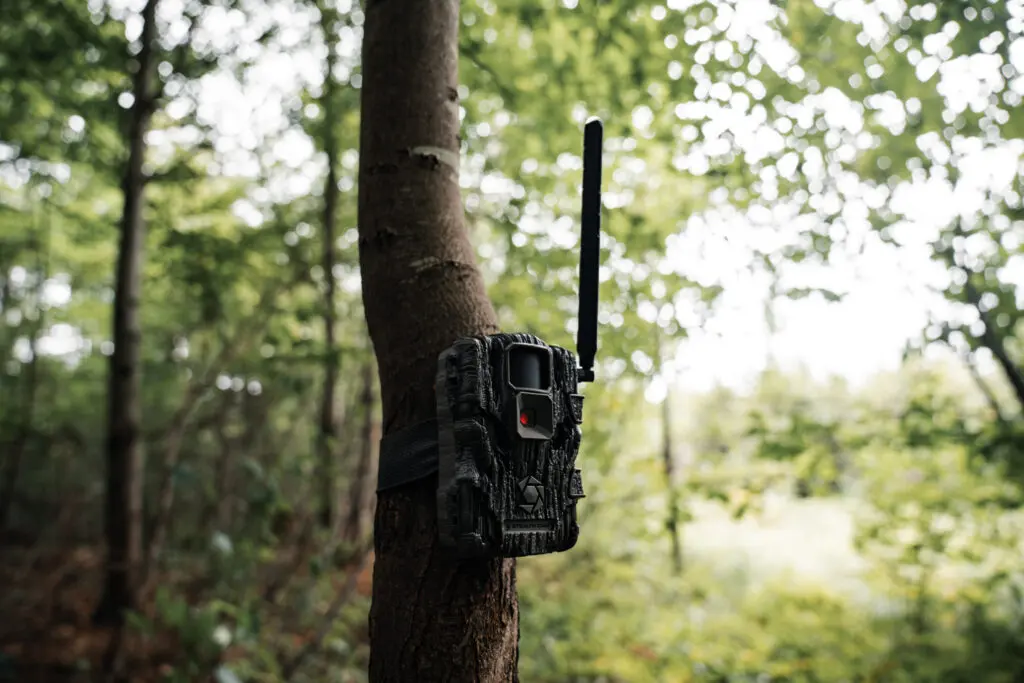
1. Clean Up Your Cameras
- Gently brush off mud, sap, leaves, insects and debris using a soft‑bristled brush.
- Wipe down the lens, sensor, LED cover, and body using a microfiber cloth (a warm damp cloth if needed), avoiding moisture buildup. Let the interior air out after damp exposure.
2. Check and Replace Power Sources
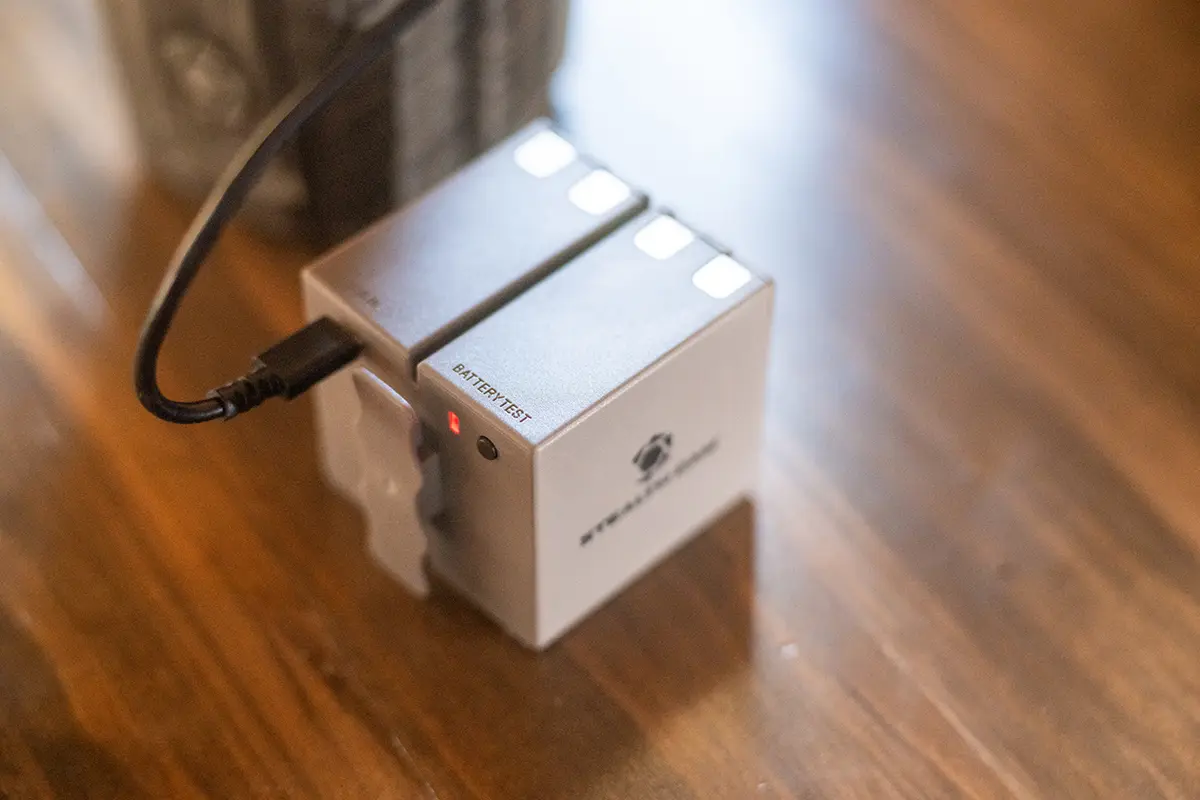
- Install fresh batteries—preferably lithium AAs where supported. Test voltage if possible (e.g. with a multimeter).
- If using solar or rechargeable packs, ensure they’re fully charged and functioning.
3. Handle Your SD Cards
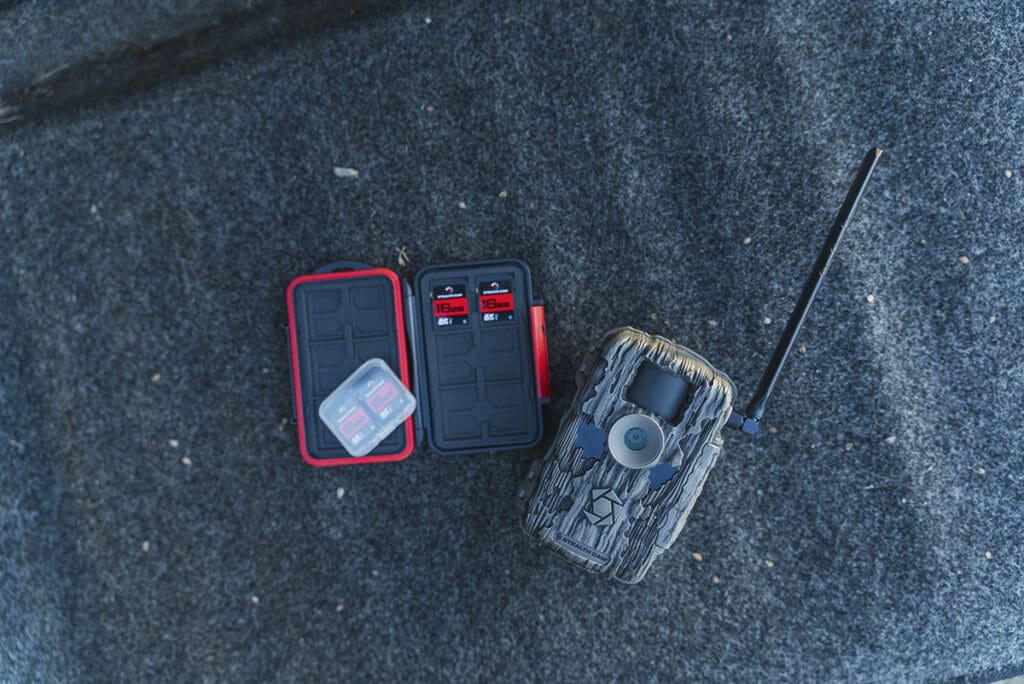
- Pull any used cards, review images if practical, then format or replace them. Formatting in‑camera is recommended.
4. Confirm Camera Settings
- Ensure the date and time are correct—especially after a battery reset.
- Verify all configuration settings such as trigger mode, sensitivity, burst, resolution, and upload frequency.
5. Test Functionality
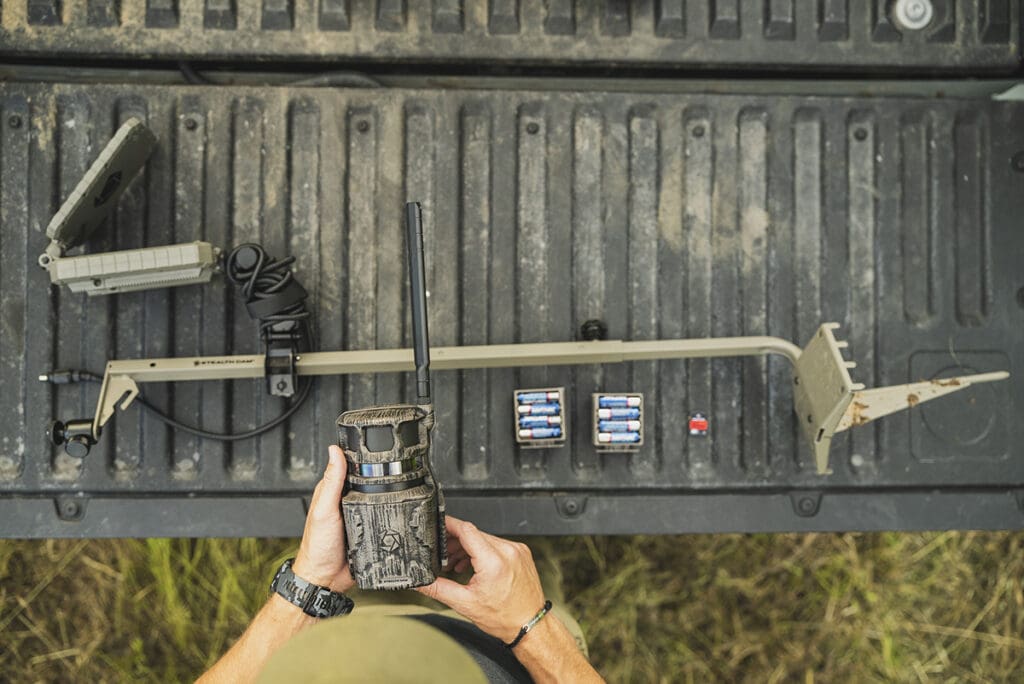
- Perform a walk‑test: trigger the camera, then verify the image capture and timestamp.
- Check alignment, coverage angle, and height to avoid blind spots.
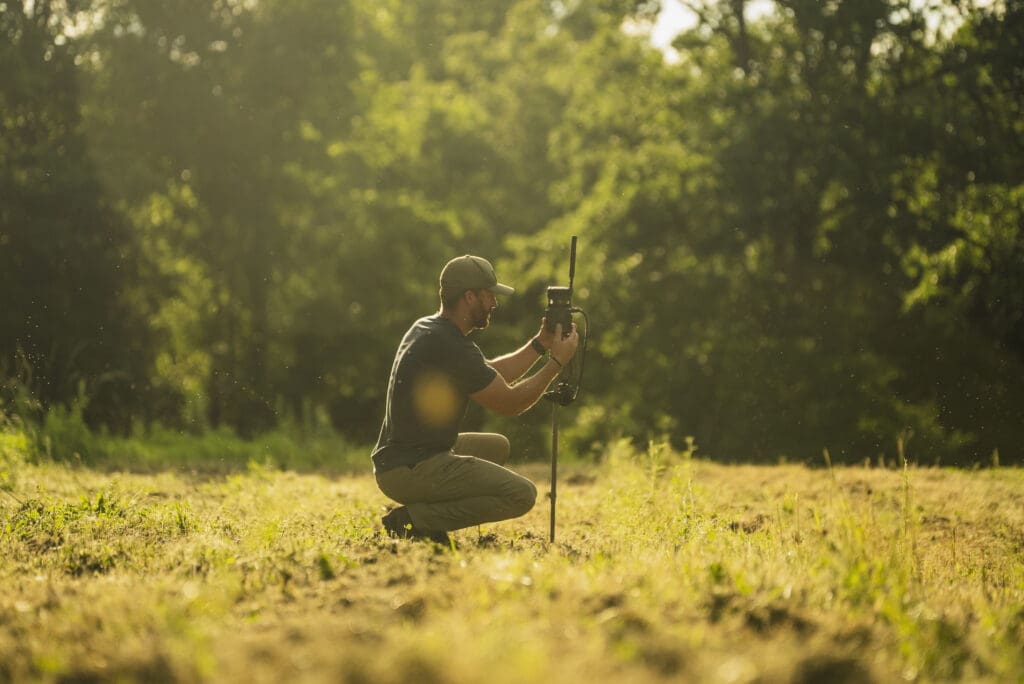
6. Secure Your Setup
- Lubricate straps and clean lock mechanisms to prevent tangling or failure later.
- Secure cameras using lockable straps or Python cables—especially in high-traffic or visible areas.
- Consider natural concealment to reduce theft or interference.
7. Maintenance Tips & Troubleshooting
- Clean battery contacts with an alcohol wipe for reliable performance.
- Use anti-fog spray or desiccant packs to prevent condensation on lens covers.
- Check for firmware updates via your camera’s app or manufacturer site before redeploying.
8. Final Deployment
- Mount cameras facing north when possible, about 3–4 ft off the ground, and tilted slightly downward.
- Clear vegetation in the detection area and ensure camera is parallel to the ground.
- Trigger the camera once more after mounting to confirm operation before leaving it in place.
Why Follow This Checklist?
- A clean lens and sensor ensure clear photos and reliable detection.
- Fresh batteries and formatted cards prevent missed captures or memory full errors.
- Double-checking settings and alignment reduces false triggers and improves field coverage.
- Security steps deter theft and maintain camera integrity throughout deployment.
This streamlined checklist is based on Stealth Cam’s official guide as well as field-tested maintenance practices.
Ready to get your cameras back in action? Use this checklist before every redeployment to maximize uptime and capture clear, dependable trail footage.


